MPmanhdev

Desktop & mobile apps

Deskhub

Open-source remote desktop for every platform you own.

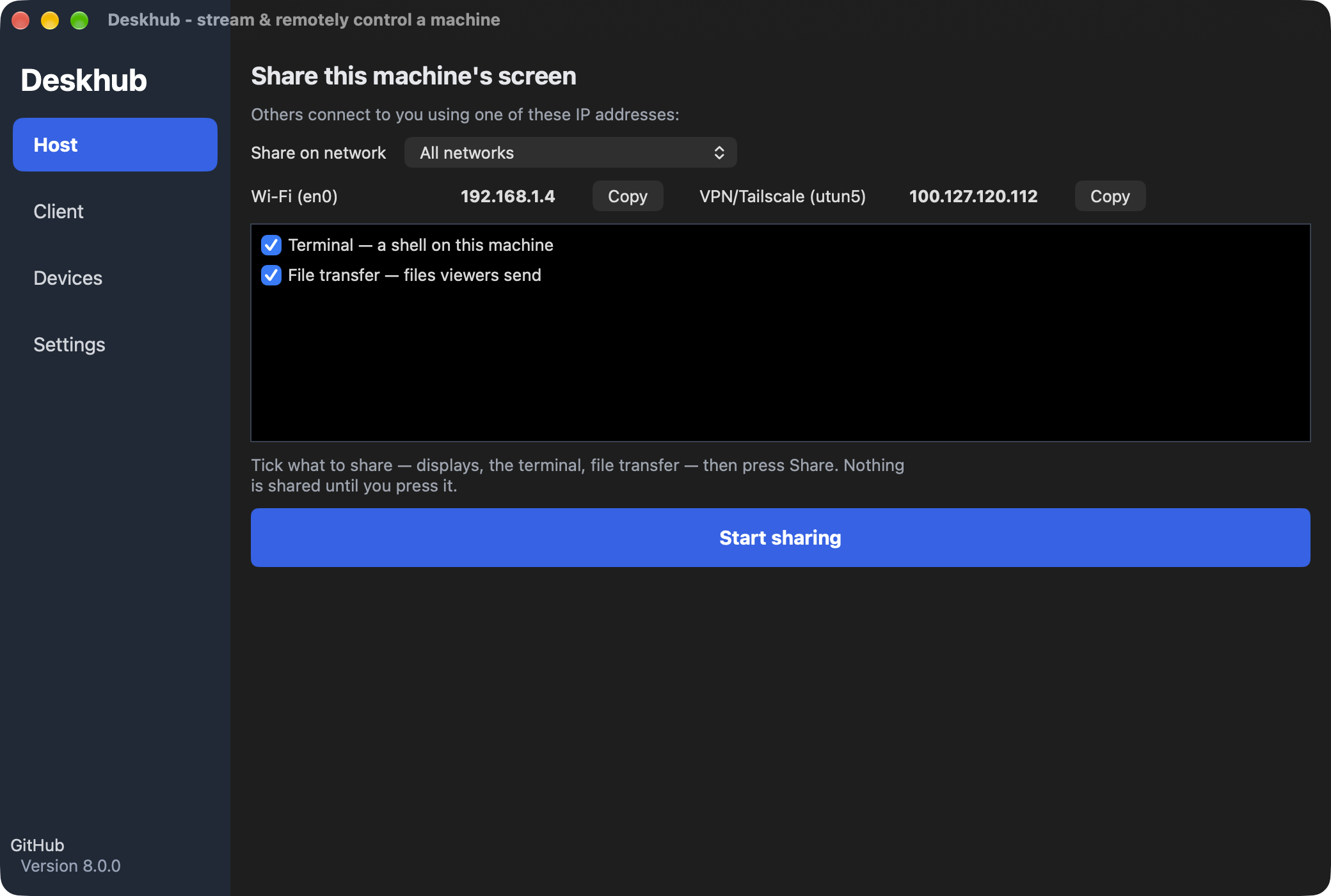
Deskhub host page on macOS showing network addresses and a Start sharing button

Overview

View and control your computer from another device over your own network or VPN. A single C++20 core runs natively on Windows, macOS, Linux, Android and iOS, built for responsive work and play.

Deskhub turns any computer you own into a host you can reach from another device. Open the app on the machine you want to control, start sharing, and pair the client by scanning a QR code. Everything travels over your own network or VPN inside a QUIC/TLS session, so there is no relay server and no account in the middle.

The same C++20 core powers every build, which is why the Windows, macOS, Linux, Android and iOS clients behave the same way. Video is encoded on the GPU with NVENC, VideoToolbox or MediaCodec and can reach 240 fps, relative mouse and DirectInput keep games playable, and 64 kbps Opus carries the audio. Beyond the screen, Deskhub can run shell commands and transfer files, and a bundled CLI lets you script sessions the way you would with SSH.

Features

  • GPU-accelerated streaming

    Up to 240 fps with NVENC, VideoToolbox and MediaCodec.

  • End-to-end encrypted

    Sessions over QUIC/TLS, paired with a QR code.

  • More than pixels

    Share the display, run shell commands and transfer files.

  • Built for games

    Relative mouse, keyboard, DirectInput and 64 kbps Opus audio.

  • CLI included

    Script sessions or use it like SSH from any terminal.

Screenshots
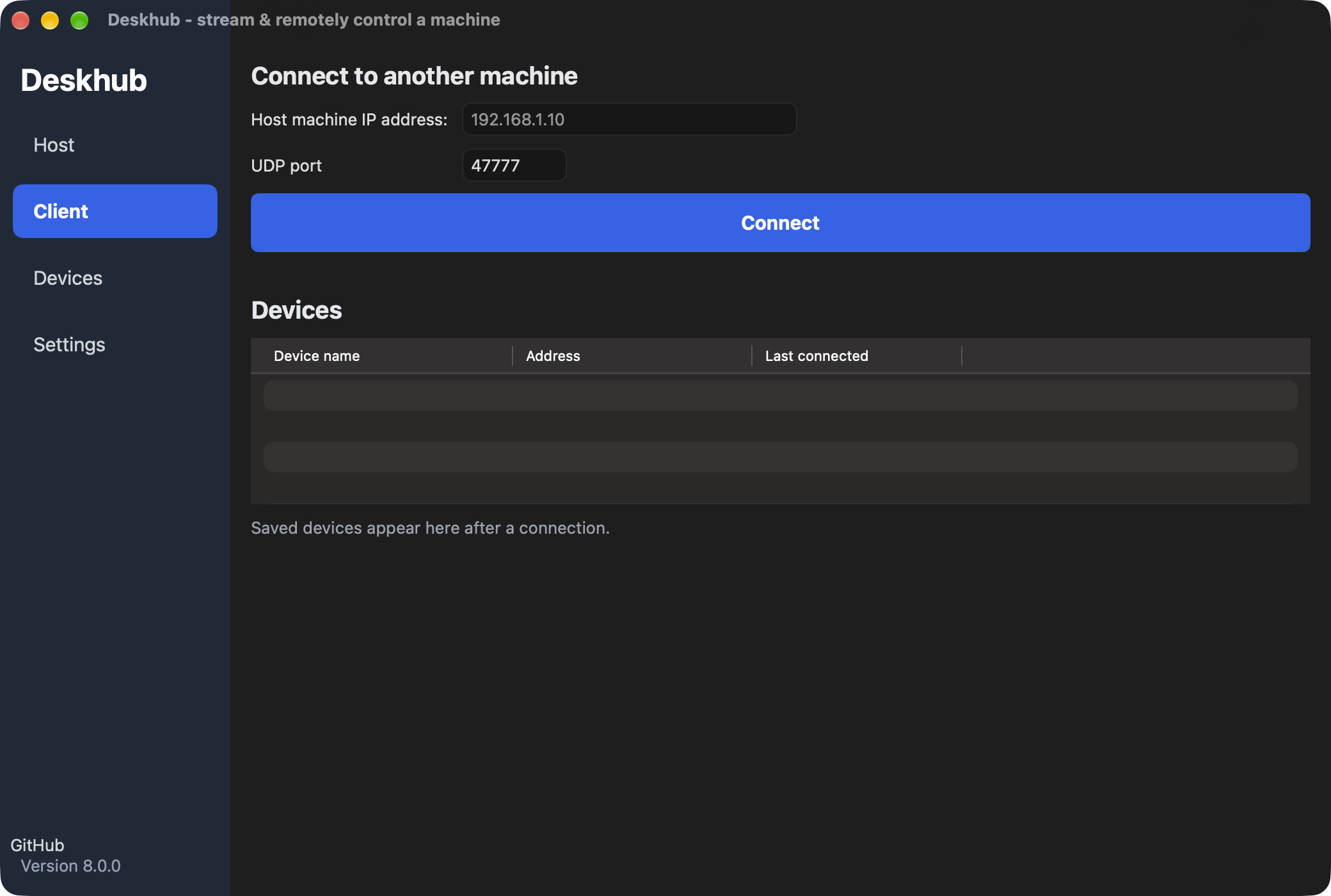
Deskhub Client page on macOS: host address and UDP port fields, tickboxes to pick remote desktop, control and terminal, a Connect button, and a list of recent addresses
Client: type an address, paste a host's QR link, or pick a recent or trusted host.
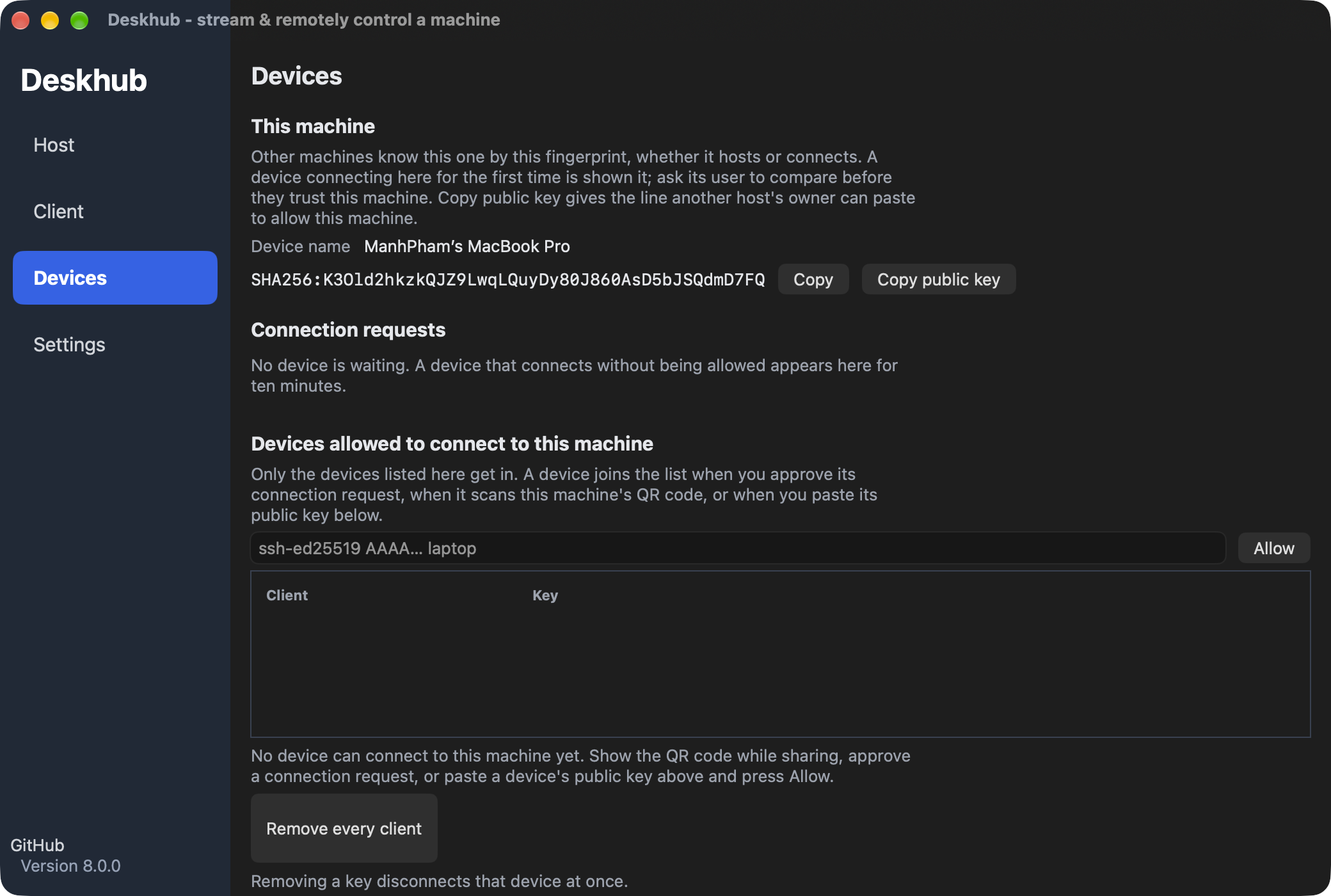
Deskhub Devices page on macOS: this machine's key fingerprint, the client keys allowed to connect and the trusted hosts
Devices: the keys allowed in as a host, and the hosts you trust as a client.
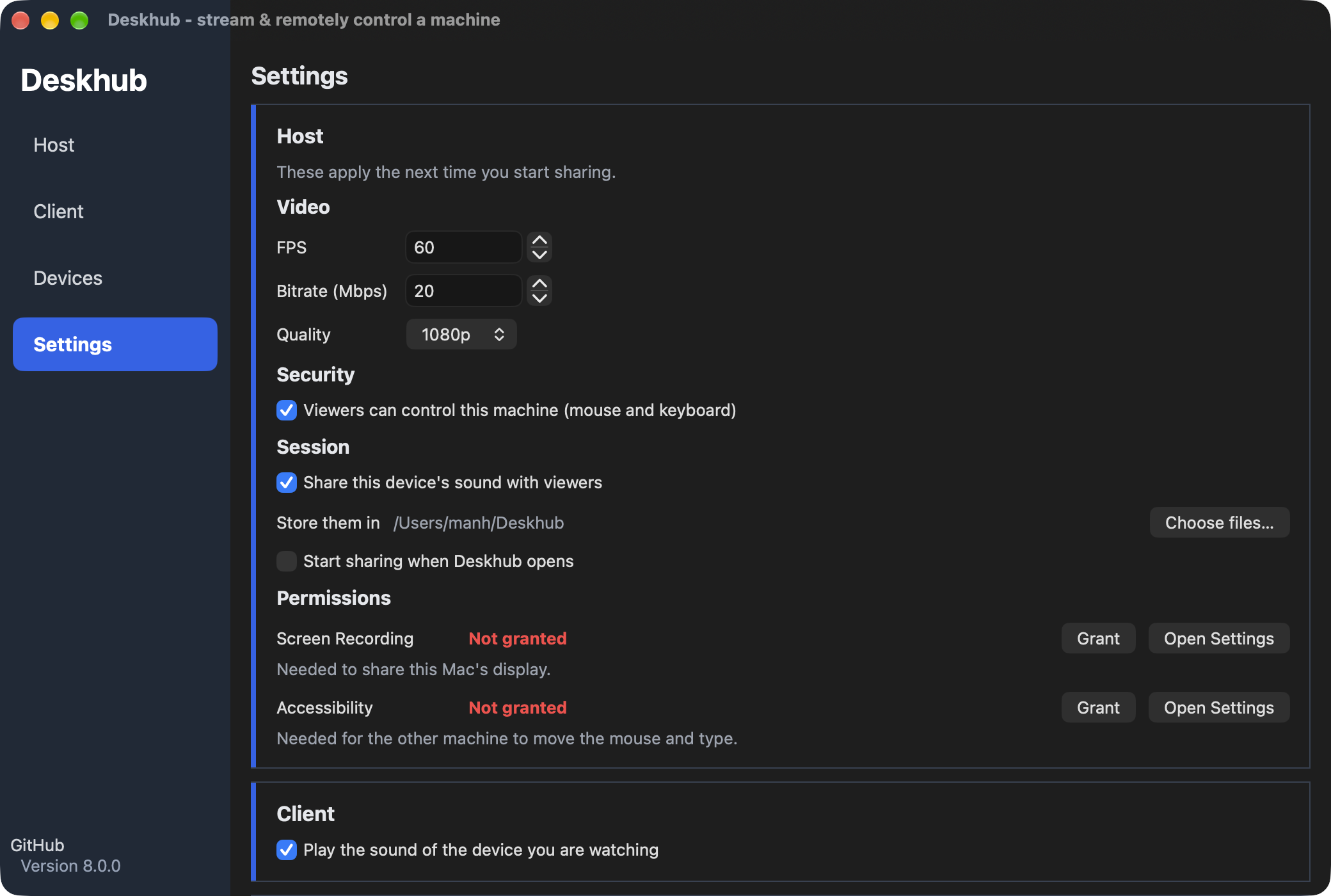
Deskhub Settings page on macOS: device name, fps, bitrate and quality, UDP port, control, clipboard and stay-awake toggles, and the macOS permission state
Settings: fps, bitrate, quality, port, and the live state of the macOS permissions.

Download Deskhub

Latest version v9.0.1, released Oct 1, 2026.

Or install with a package manager
Windows · winget
winget install ManhPham.Deskhub
macOS · Homebrew
brew install --cask manhpham90vn/tap/deskhub
Ubuntu / Debian / Mint · apt
sudo install -d /etc/apt/keyrings
curl -fsSL https://manhpham90vn.github.io/Deskhub/apt/deskhub.gpg | sudo tee /etc/apt/keyrings/deskhub.gpg >/dev/null
echo "deb [arch=amd64 signed-by=/etc/apt/keyrings/deskhub.gpg] https://manhpham90vn.github.io/Deskhub/apt stable main" | sudo tee /etc/apt/sources.list.d/deskhub.list
sudo apt update && sudo apt install deskhub

Other projects

All projects