Overview
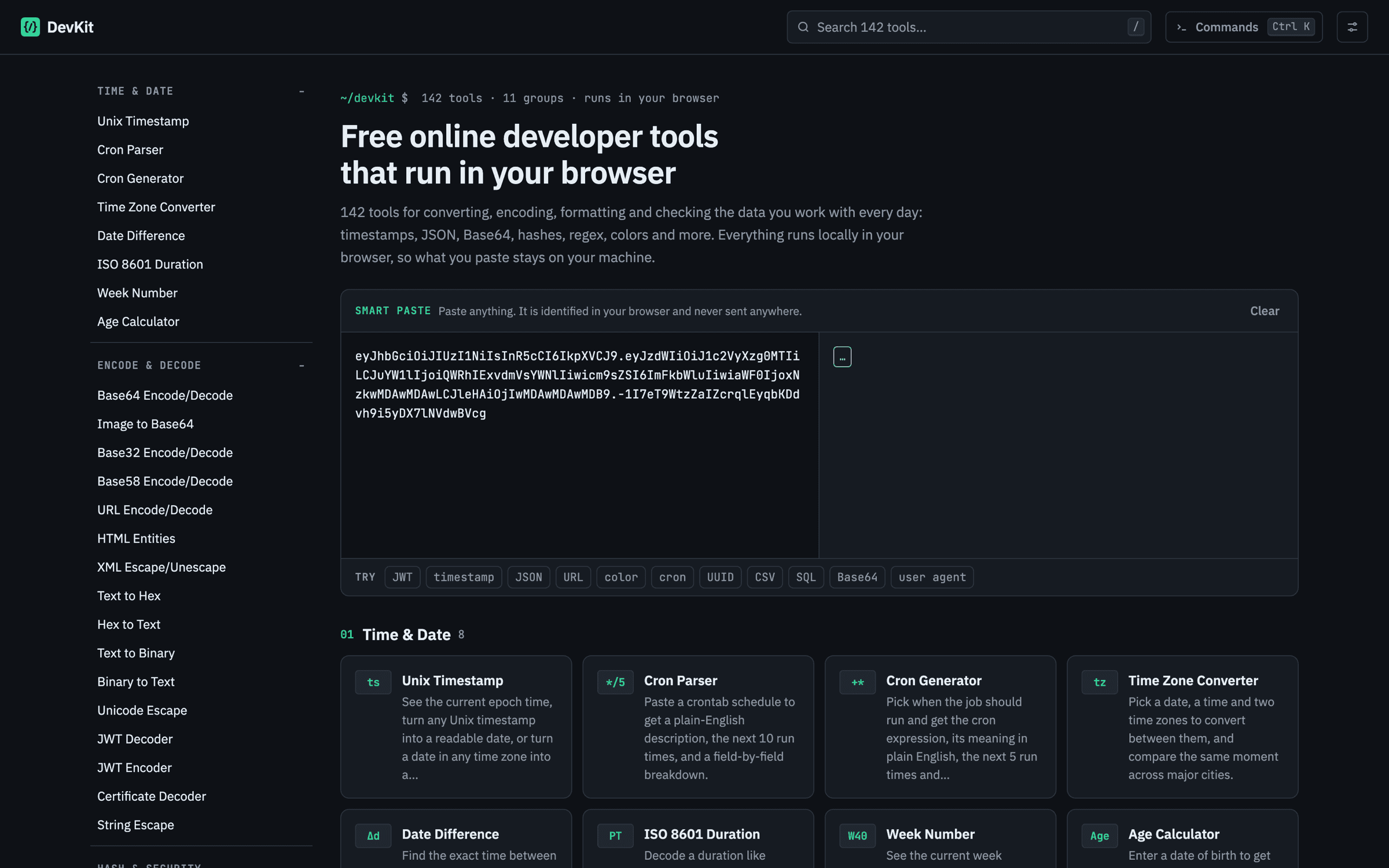
Convert, encode, format and check the data you work with every day. Nothing you paste ever leaves your machine: every tool runs locally in the page. No sign-up, no limits. The Chrome extension puts the same tools in a popup so you never have to leave the page you are on.
DevKit collects 142 small utilities that developers reach for all day, organised in 11 groups: time and date, encoding and decoding, hashing and security, formatters and minifiers, linters and validators, data and number conversion, text, web, CSS and network tools. Every tool runs inside the page, so what you paste never leaves your browser, and there is no account, sign-up or usage limit.
The site is a static build with one pre-rendered page per tool, so each one loads fast and keeps working offline after the first visit thanks to a service worker. A ⌘K command palette, keyboard shortcuts, pinned and recent tools, smart paste that recognises what is on your clipboard and a light or dark theme make it feel like a native app rather than a page of forms.
The Chrome extension (Manifest V3) packages the same runtime into a popup with the full tool list, search and smart paste, so you can convert or format something without leaving the tab you are working in. New tools added to the site appear in the extension automatically.
Features
Runs locally
Your data never leaves the browser tab.
No account
Open the page and start working.
Works everywhere
Desktop or mobile, any modern browser.
Chrome extension
The same tools in a popup, one click from any tab.
Tool categories
- Time & Date
- Encode & Decode
- Hash & Security
- Formatters & Minifiers
- Linters & Validators
- Data Conversion
- Number Conversion
- Text Tools
- Web Tools
- CSS Tools
- Network Tools