Overview
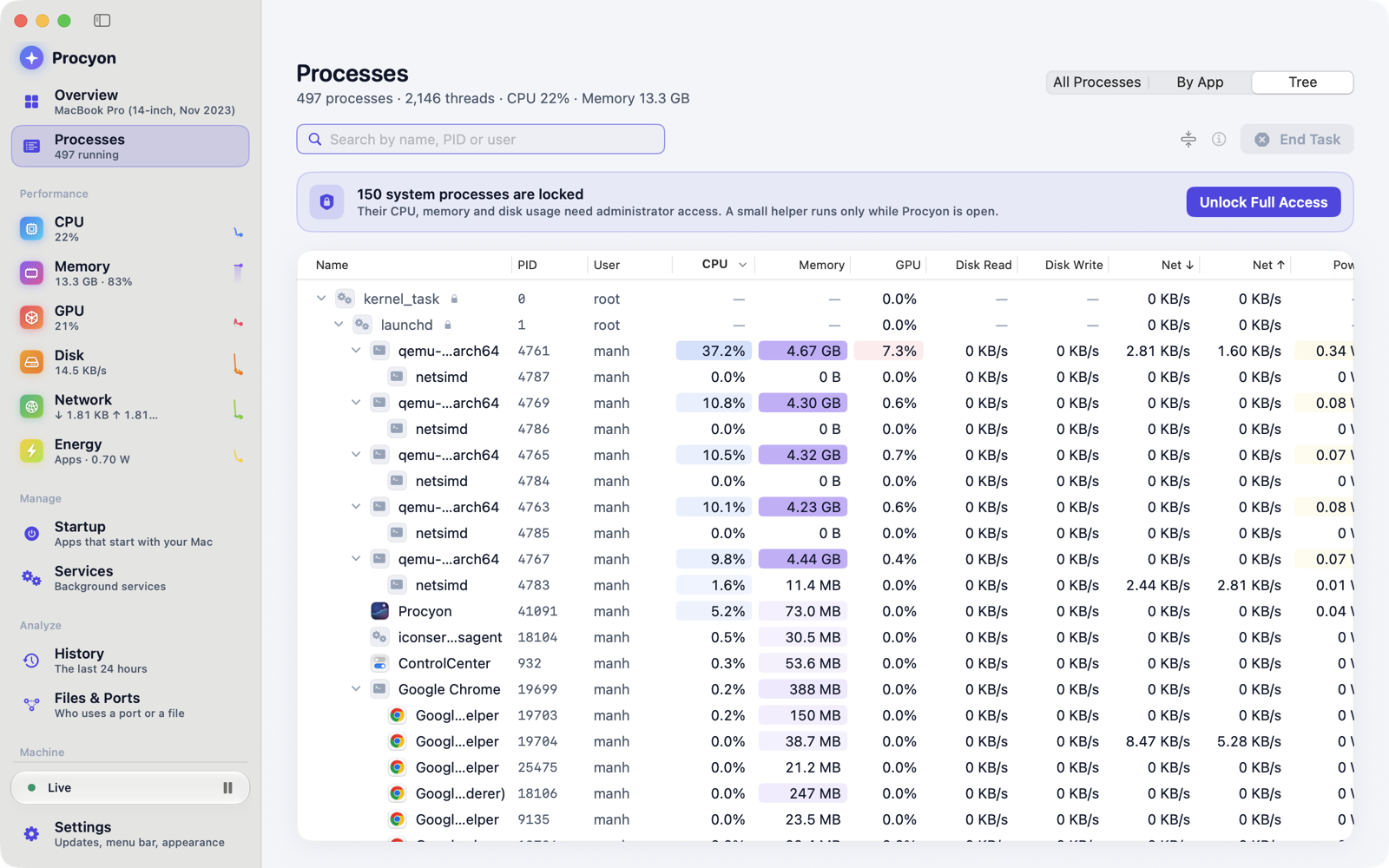
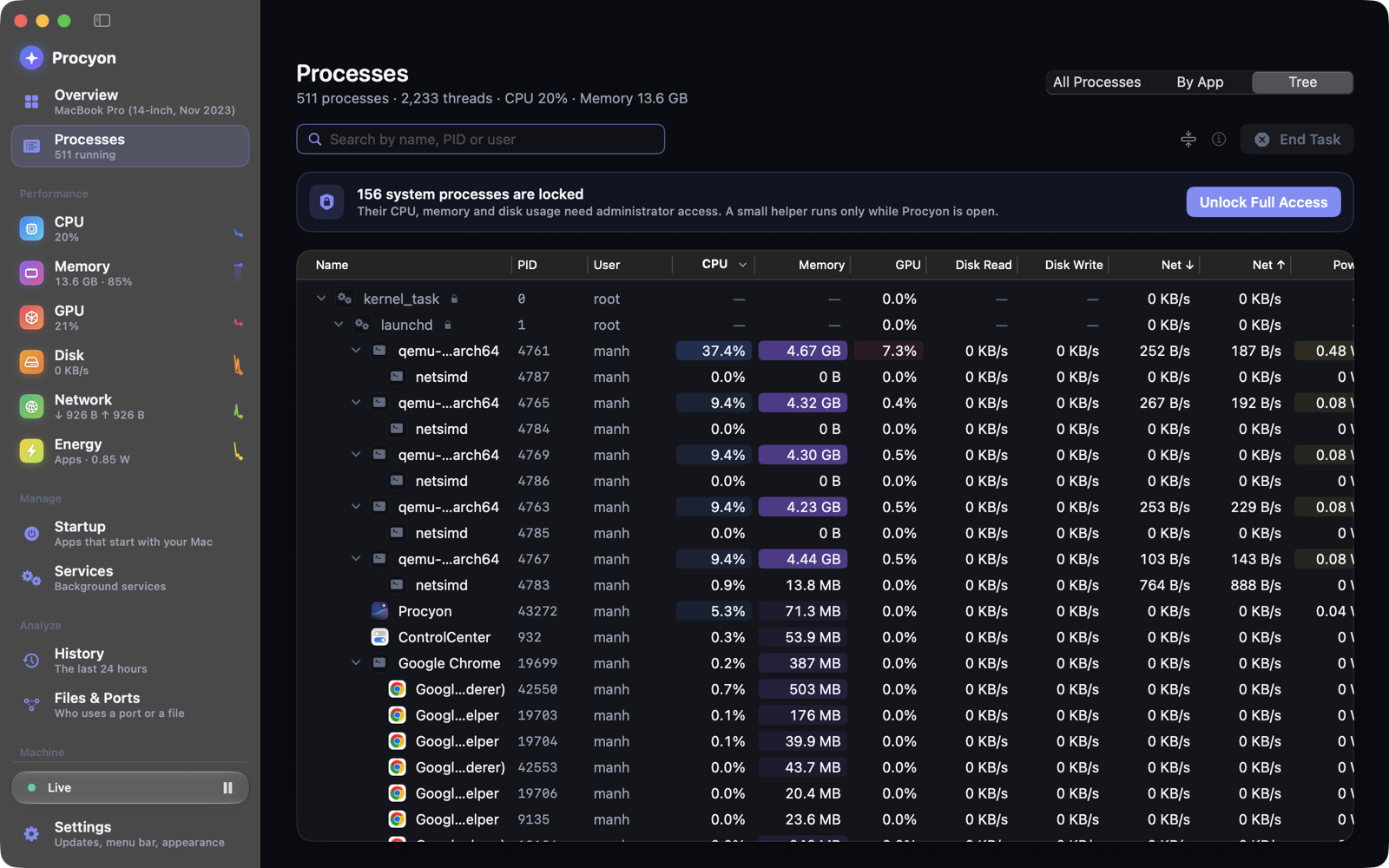
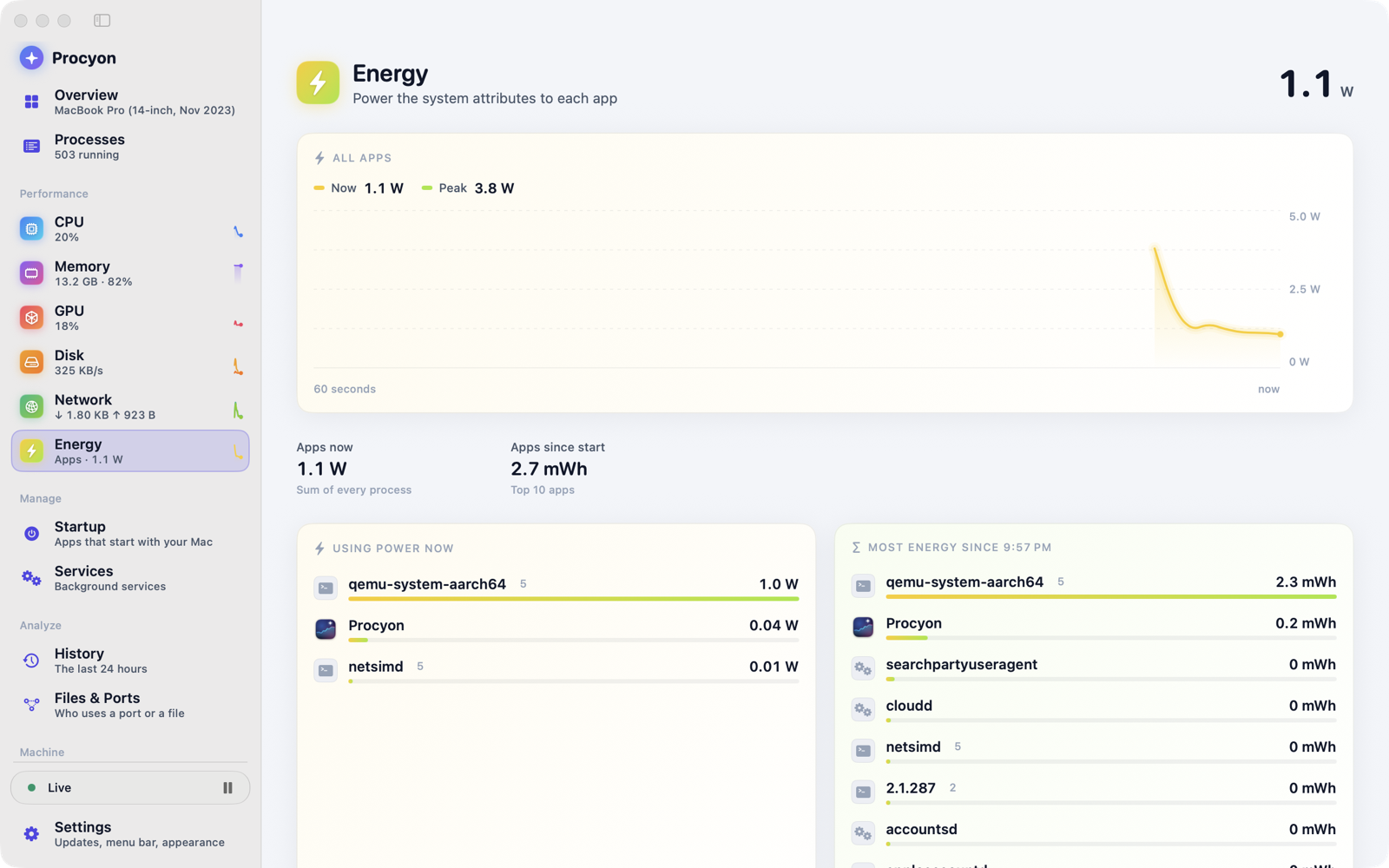
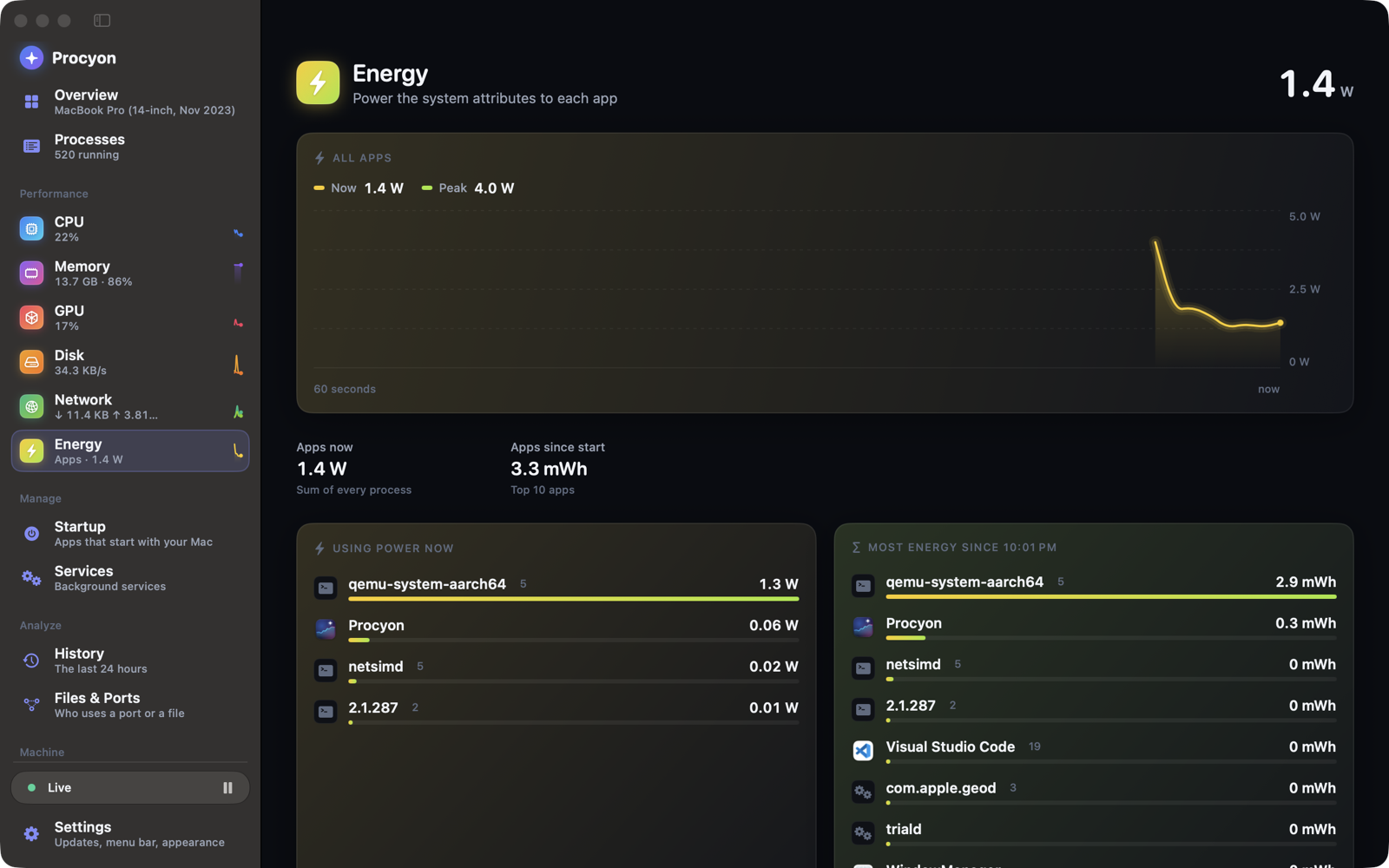
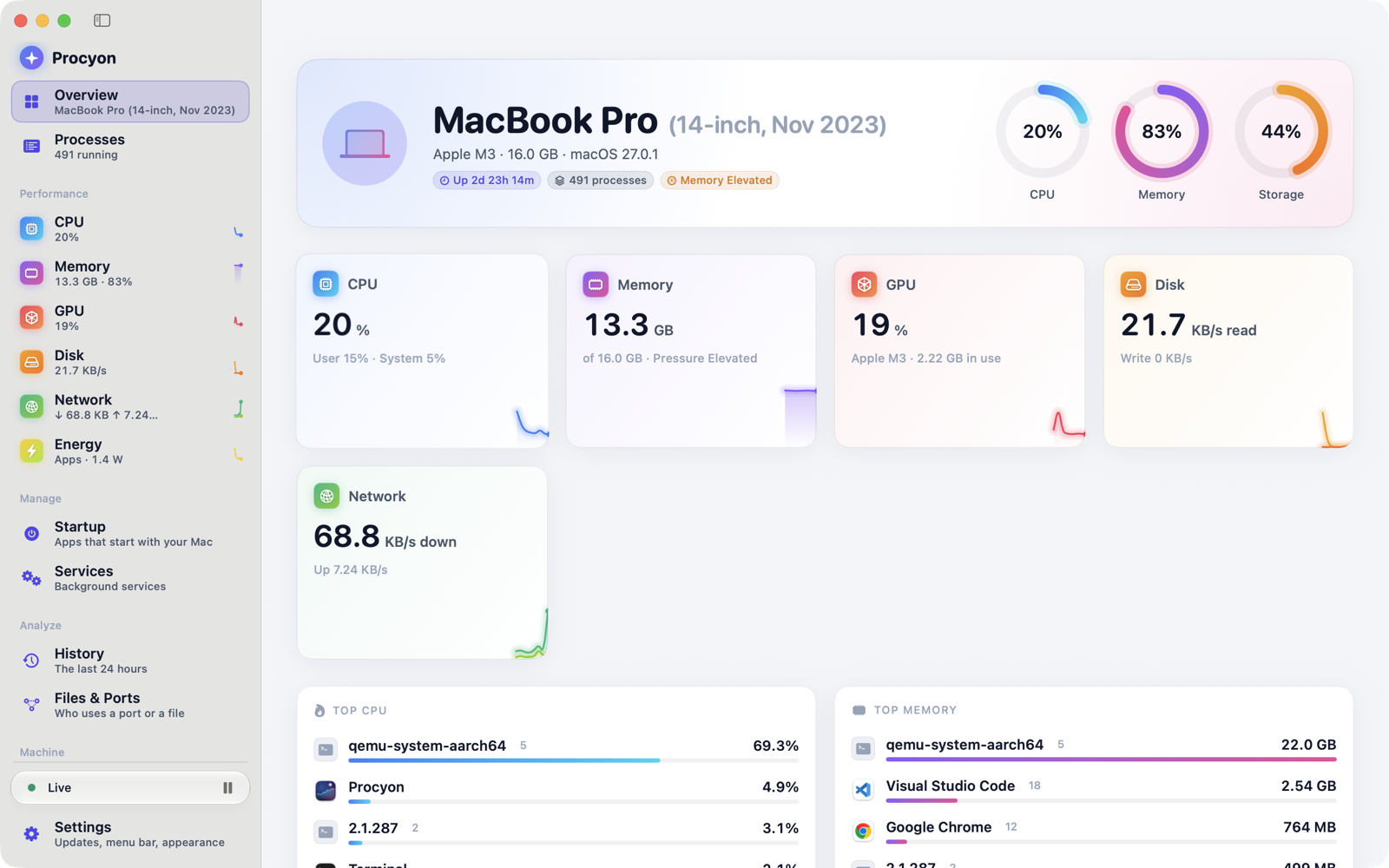
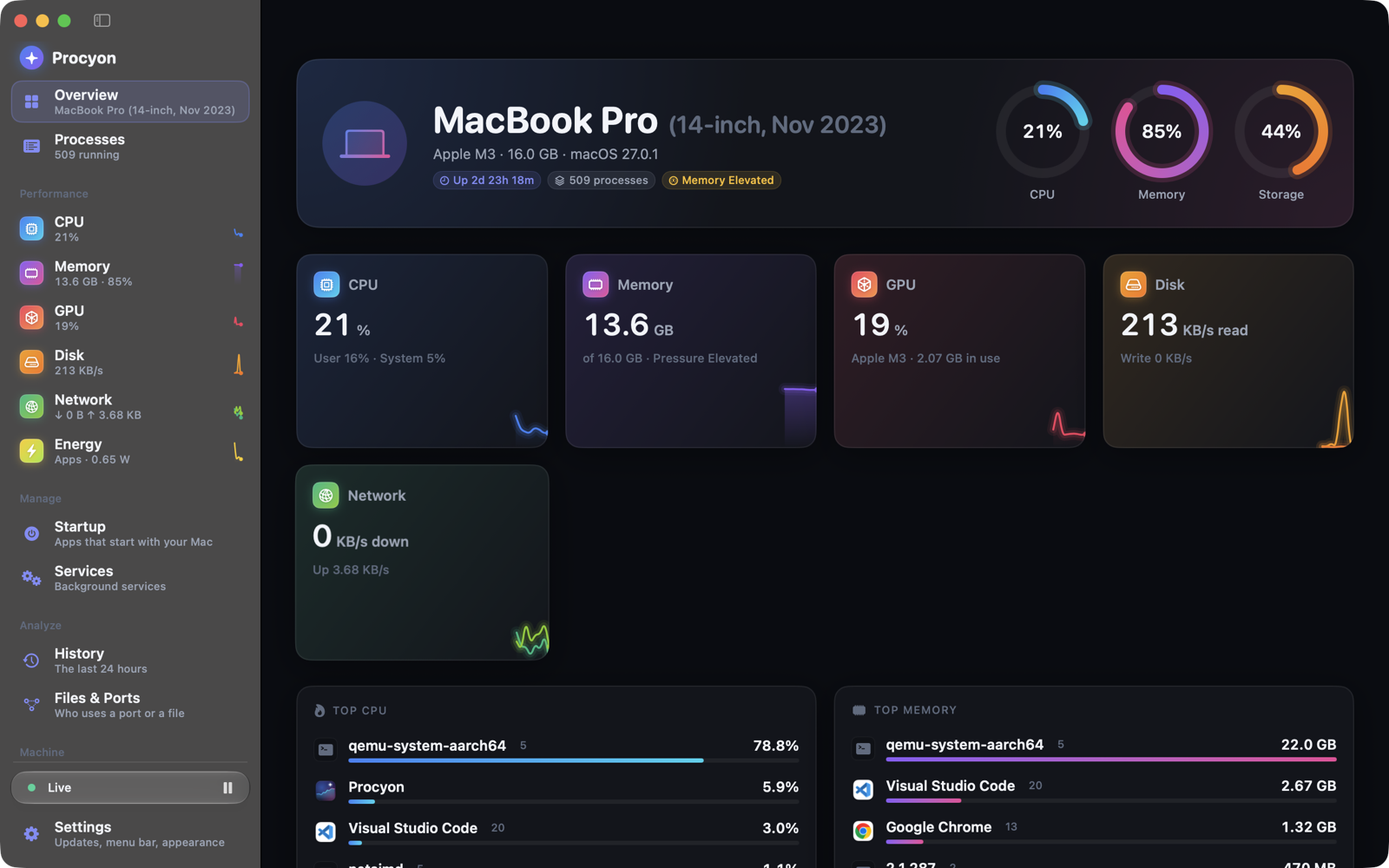
See what every process is doing to your CPU, memory, disk, network, GPU and battery, with 24 hours of history and plain-language explanations of what is actually running.
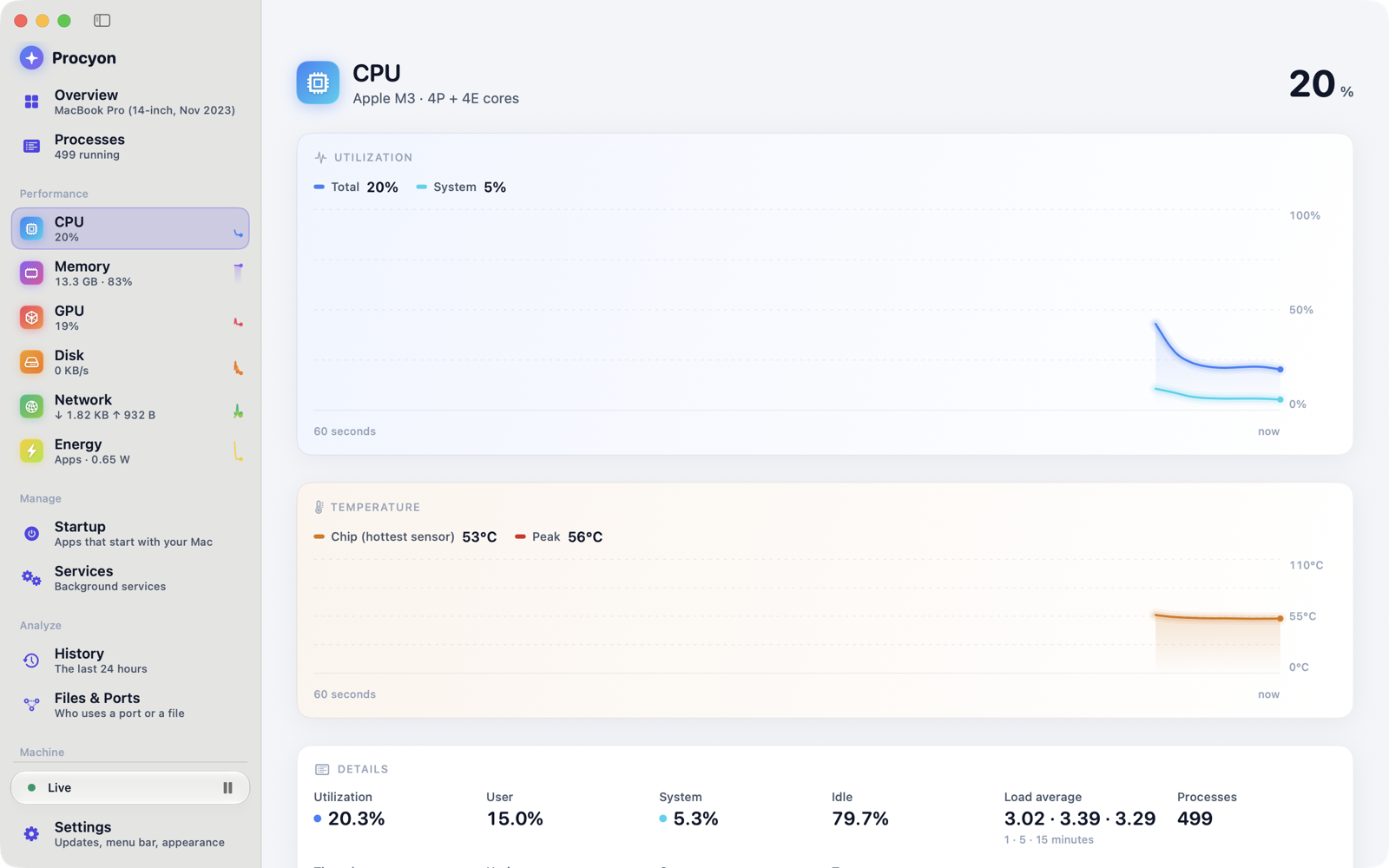
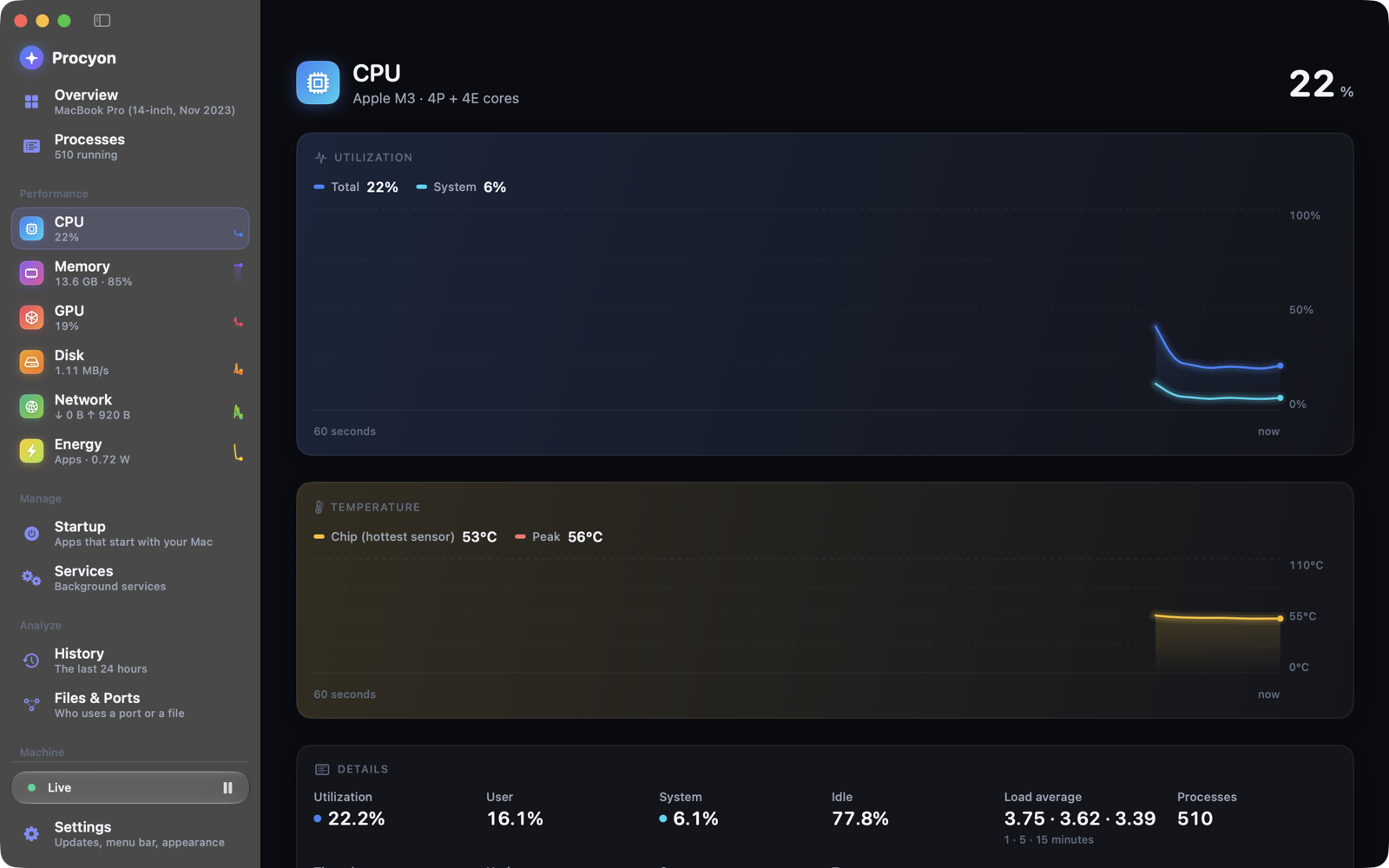
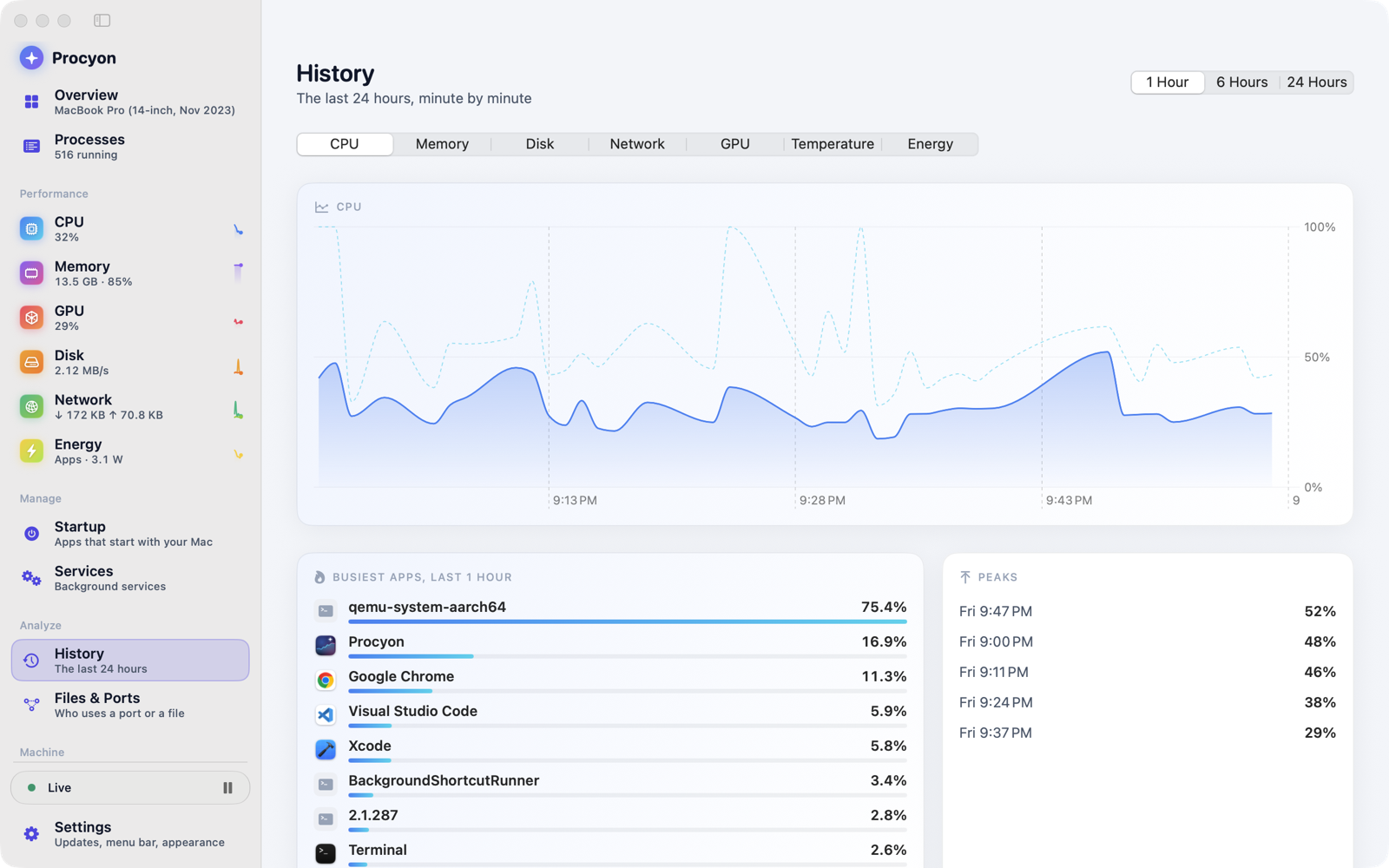
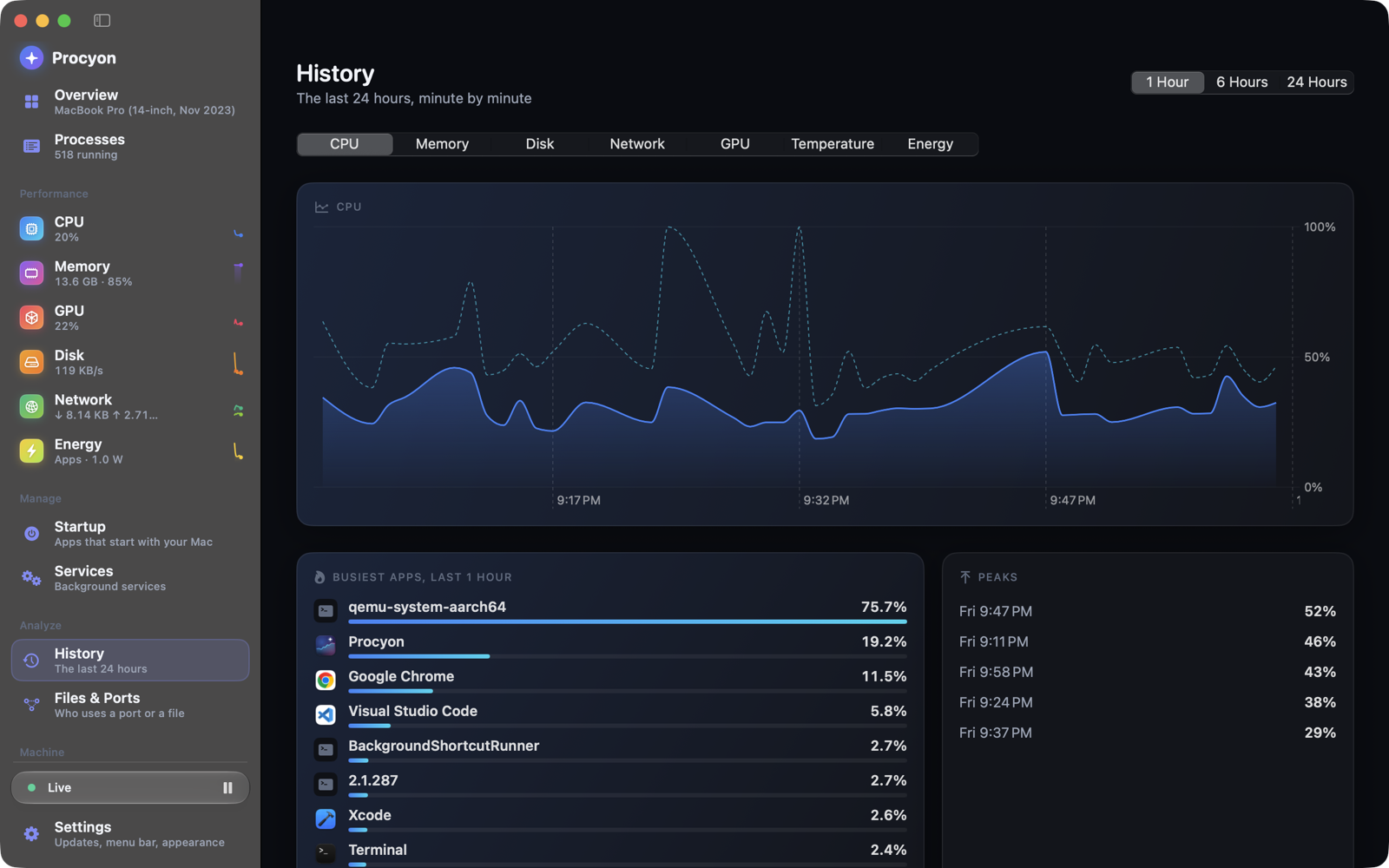
Procyon is a task manager that explains what is happening instead of only listing processes. Live charts track CPU, memory, disk, network, GPU and battery, and 24 hours of history with spike analysis lets you find the moment your machine slowed down and the process that caused it.
Open a process to see its files and ports, with plain-language explanations for roughly 110 built-in macOS processes. Startup items, services, energy and battery health are managed from the same window, a menu bar widget keeps the key numbers in view, and a ⌘K command palette plus custom alerts keep everything one keystroke away. The app is open source and ships for macOS 14 and later and for 64-bit Windows 10 and 11.
Features
Live charts
CPU, memory, disk, network and GPU, updated in real time.
24-hour history
Spike analysis so you can find what slowed you down.
Startup & services
Manage login items, energy and battery health in one place.
Files & Ports
Inspect what a process has open, with explanations for ~110 macOS processes.
Menu bar widget
Custom alerts and a ⌘K command palette.
Screenshots